AFFINGER
Tutorials and reviews focused on the AFFINGER5 WordPress theme — customization, comparisons, and migration guides drawn from firsthand use.
Get in Touch
About This Section
A collection of articles covering the AFFINGER5 theme for WordPress.
Rico switched from the Cocoon theme to AFFINGER5 about two weeks after launching ricoblog. Since then, the theme has powered the site, and these articles share practical insights from that experience — from initial setup and customization to comparisons with other themes.
Topics include creating header cards, migrating between themes, and customizing affiliate-link tools like Kaereba and Yomereba within the AFFINGER5 environment.
For anyone working with the AFFINGER5 WordPress theme, understanding its full range of customization options is essential to building a site that truly stands out. The tutorials shared here walk through the practical steps of tailoring the theme's layout, styling, and functional modules to suit your specific content strategy and audience. From adjusting color schemes and typography to configuring widget areas and page templates, the guidance is drawn from real, hands-on experience rather than generic documentation. This means the advice reflects actual workflows, common pitfalls, and time-saving techniques that only emerge through sustained use of the theme in production settings.
Choosing the right WordPress theme can feel overwhelming, and that is where honest comparisons and migration insights become genuinely valuable. The reviews featured on this site examine how AFFINGER5 stacks up against other popular themes in terms of performance, flexibility, and ease of use, helping you make an informed decision before committing to a particular setup. For those already using the theme, the migration guides offer clear, step-by-step direction on moving from other platforms or older versions without losing content, rankings, or design integrity. Whether you are starting fresh or transitioning an existing site, these resources are built to save you time and reduce uncertainty along the way.
Featured Articles
Key guides and reviews on AFFINGER5.
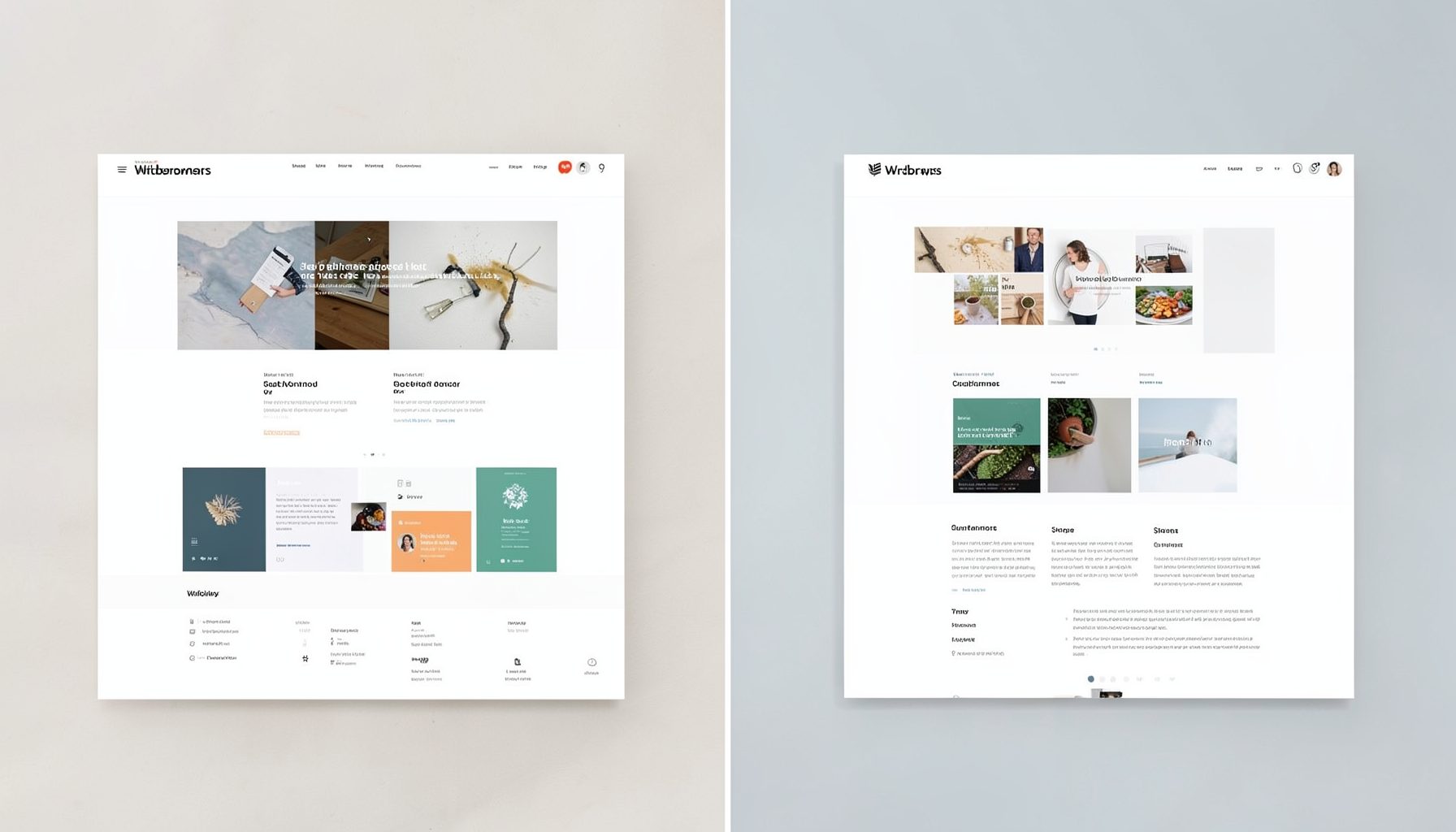
AFFINGER5 In-Depth Review
A detailed look at the merits and demerits of AFFINGER5, based on real use. Published December 28, 2020, this review covers what beginners and experienced bloggers can expect from the theme.
Read more →
Header Card Creation Guide
Step-by-step instructions for designing and implementing header cards within AFFINGER5, helping your blog posts stand out visually.
Read more →
Cocoon vs. AFFINGER5 Comparison
A side-by-side comparison of the Cocoon and AFFINGER5 WordPress themes, covering design flexibility, performance, and ease of use for bloggers making the switch.
Read more →
Kaereba & Yomereba Customization
Tips for customizing the Kaereba and Yomereba affiliate-link tools within AFFINGER5, so your product links match your site's look and feel.
Read more →
Theme Switching Walkthrough
A practical guide to switching WordPress themes — covering preparation, migration steps, and post-switch checks — informed by rico's own move from Cocoon to AFFINGER5.
Read more →Explore Related Topics
More resources for bloggers and site operators.
Blog
Articles on blog management, affiliate marketing, and WordPress tools — including strategy guides and beginner tips.
Browse Blog →Blog Management
Guides on backlinks, article rewriting, monetization for beginners, and recommended blogging tools.
Browse Blog Management →Contact
Have a question about AFFINGER5 or ricoblog? Reach out via the contact form, built with Contact Form 7.
Get in Touch →